Symphony by Blacksky Labs

Your prompt
is just the
beginning.

Most image generators treat your prompt like a search query. Symphony thinks first — enriching your idea into something cinematic before a single pixel renders.

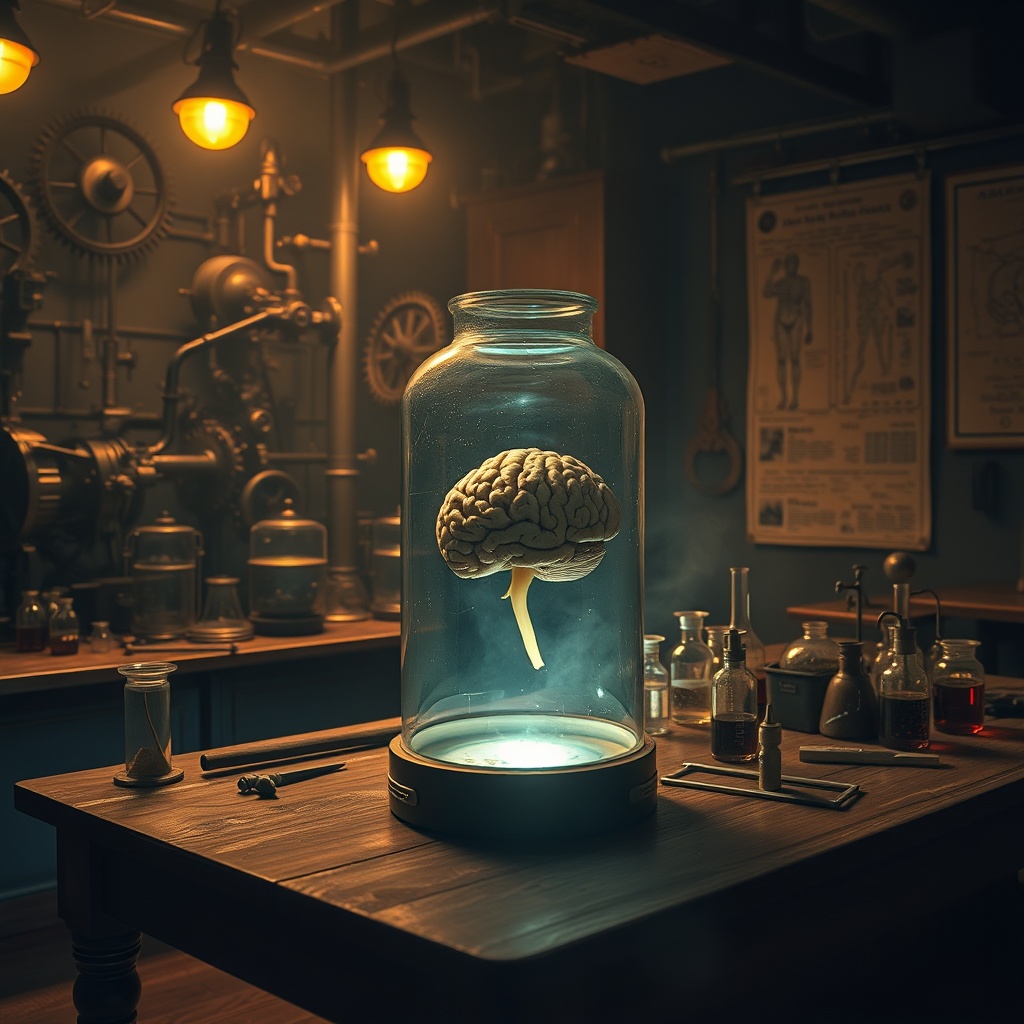
Symphony AI-generated image
Your idea Rough prompt however minimal
Stage 1 The Brain enriches, expands
Stage 2 The Brush FLUX.1 renders
Output Your vision not just your words
Symphony Brain stage visualization
How it works

It thinks before
it paints.

The two-stage pipeline
Brain + Brush.

A vision-language model takes your raw idea and expands it into a rich, cinematic prompt — filling in lighting, atmosphere, camera angle, and artistic style. You see the expanded prompt before anything renders. You can read it, edit it, rewrite it entirely.

Then FLUX.1 schnell paints it in four inference steps. Fast. Striking. Yours.

Stage 1The Brain
Stage 2The Brush
OutputYour vision

Image generators are powerful. But they treat your prompt like a search query. Type. Hope. Repeat.

Symphony is built differently. Before a single pixel renders, The Brain interprets your idea — however rough, however minimal — and enriches it with the cinematic language that makes images sing: focal length, color grading, depth of field, mood, atmosphere.

The output appears in the Poetic Enhancement panel, where you read it, edit it, or rewrite it before anything is generated. You stay in the director's chair. The AI is your first AD, not your director.

Then The Brush renders it. Four steps. Striking results.

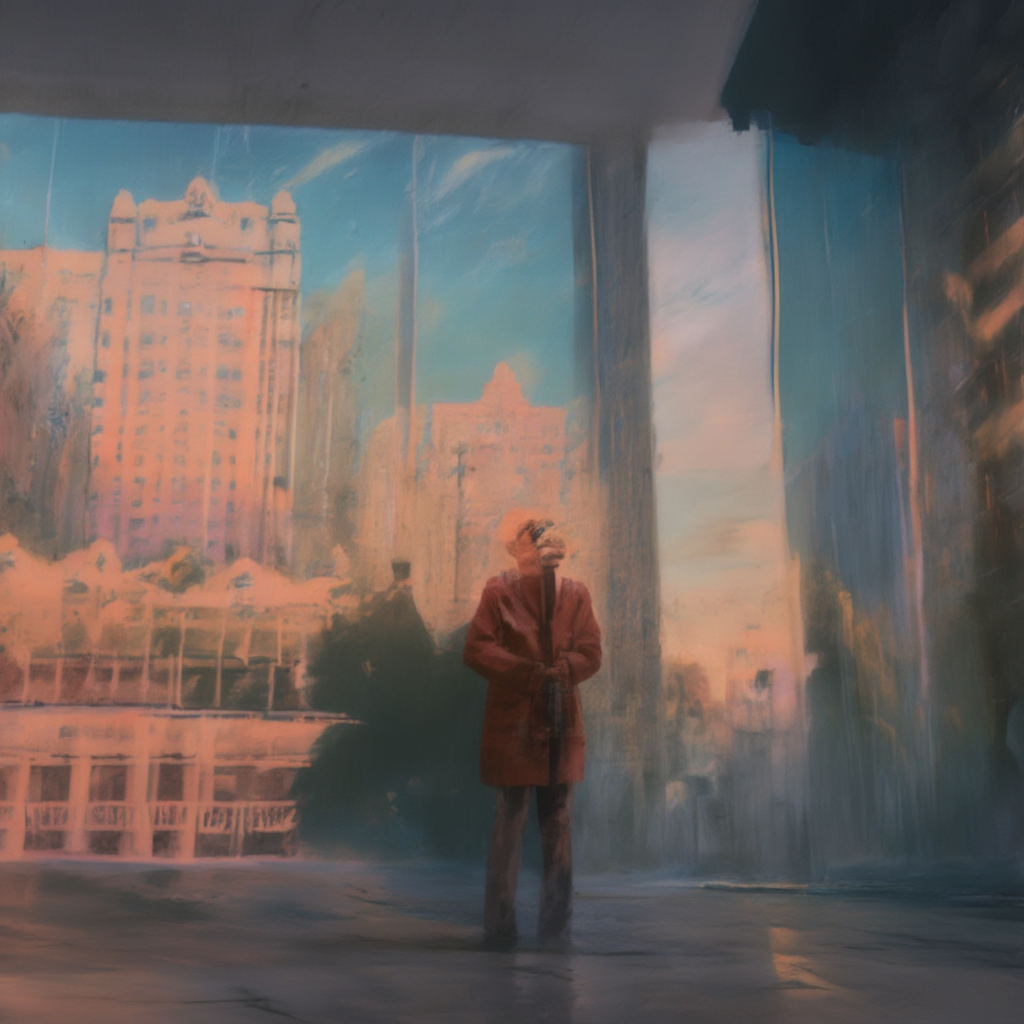
Symphony cinematic output example
Creative control

Call the shot.
Not just the prompt.

The Director's Chair
One-click cinematographic control.
LensGo Wide
DepthClose Up
AngleDutch Tilt
LightGolden Hour
MoodNoir Light
ViewBird's Eye

Film directors don't describe a shot. They call it.

Symphony's Director's Chair gives you iterative creative control that no other consumer tool offers. Lock the seed for visual continuity. Dial an image strength slider from subtle refinement to full remix.

Six one-click cinematographic presets — Go Wide, Close Up, Dutch Angle, Golden Hour, Noir Light, Bird's Eye — or type your own direction: "add rain," "shift to dusk," "tighter on the face."

The Brain rewrites only what you asked to change. Everything else holds. Stack directions, compare results, keep iterating until the scene is exactly right.

This isn't a slot machine. It's a workflow.

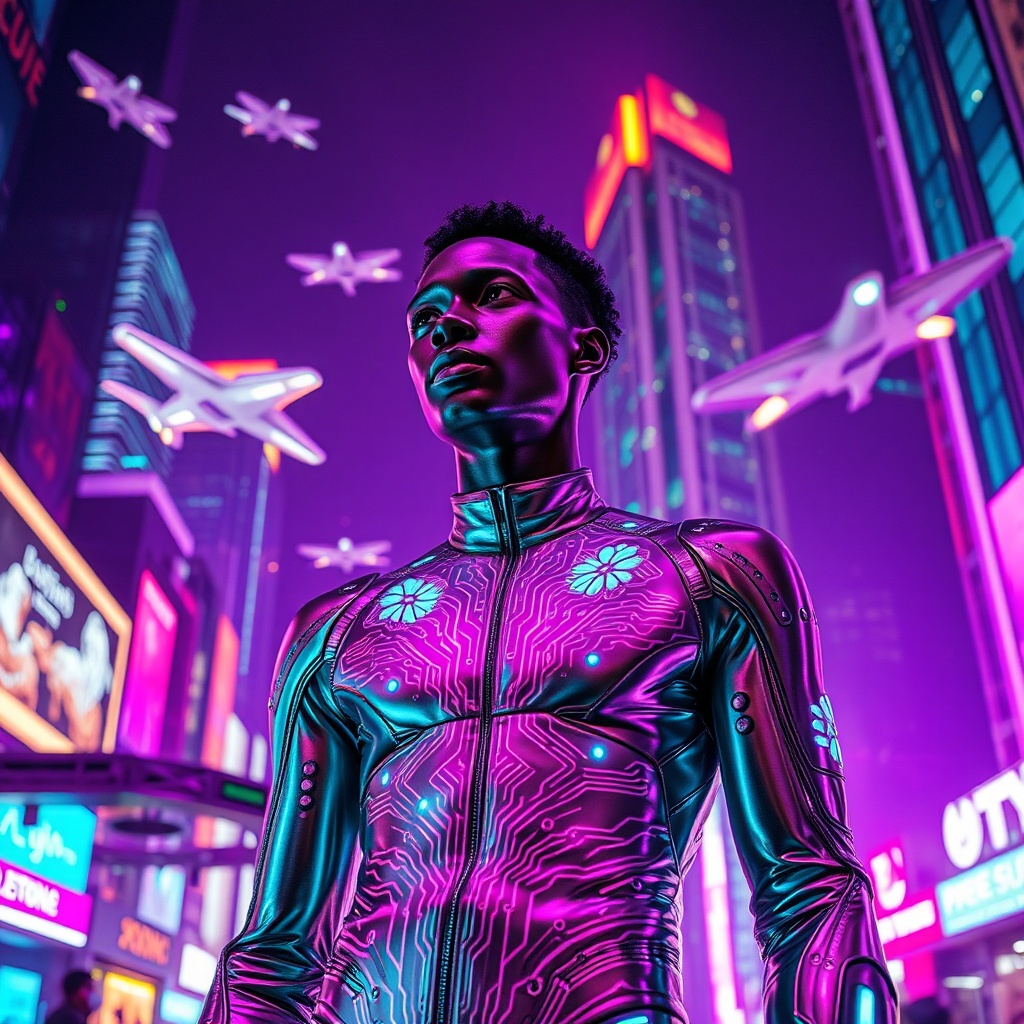
Symphony representation example
Built with intention

Representation
isn't an afterthought.

Creative modes
Cultural intentionality
as a feature.
Diversity Mode balanced by default
Noir Mode Black narratives, centered

Mutually exclusive. Visible as tags on every generated image. Representation built into the architecture — not bolted on.

We didn't bolt representation onto Symphony as an update. We built it into the architecture.

Diversity Mode ensures equitable ethnic representation across generated people — 25% East Asian, 25% Black/African, 25% Latin/Hispanic, 25% White/European. One toggle.

Noir Mode centers Black narratives. All depicted people rendered as Black/African descent, with skin tone, features, and styling reflected naturally and respectfully. A deliberate creative choice for artists and storytellers who've never had a tool that made this easy.

Cultural intentionality as a feature. Not a checkbox. That's what it means to build at Blacksky Labs.

Our story

Built from the
ground up.

"

The gap between what you imagined and what appears on screen is where the magic should happen — not the frustration.

Mario Moorhead — Founder, Blacksky Labs

Blacksky Labs has been building technology since 2000 — for federal agencies, Fortune 500 companies, and communities that mainstream tech tends to overlook.

Symphony comes from a simple conviction: the tool should serve the human, not the other way around. Not your approximate words. Your intent. Your vision. The mood you couldn't quite describe.

We built Symphony for creators who are tired of prompting into the void. Two-stage pipeline. Full transparency. You see what the AI is actually rendering. You can change it. You're always in control.

Why Symphony

Everything you
need to get symphonic.

01 — The brain
Thinks before
it renders.
A vision-language model enriches your rough idea into a cinematic prompt — lighting, atmosphere, angle, mood — before FLUX.1 touches a pixel. You see it. You control it.
02 — The director
Six shots.
Infinite takes.
Lock seeds. Dial image strength. Call Go Wide, Close Up, Dutch Angle, Golden Hour, Noir, or Bird's Eye. Or just type the direction you want. The Brain rewrites only what you changed.
6
03 — Transparency
See what
AI actually renders.
The expanded prompt appears in the Poetic Enhancement panel before generation. Read it, edit it, reject it entirely. No black box. No crossed fingers. Full creative agency.
04 — Representation
Built in,
not bolted on.
Diversity Mode and Noir Mode put equitable and intentional representation into the architecture — not the settings menu. Cultural intentionality as a feature.
05 — Sessions
Your creative
journey persists.
Every generation lives in a named session. Full image history, favorites, metadata, public and private modes. This isn't disposable. Your work has a timeline.
06 — Speed
Four steps.
Striking results.
FLUX.1 schnell renders in four inference steps — locally on Apple Silicon via MLX or in the cloud via Fal.ai. Fast enough to keep up with how you think.

Get
Symphonic.

Stop prompting into the void. Start directing.

Launch Symphony How it works